Centric occlusion
Establish the reference. Explore normal MIP, jaw movement and articulating-paper contacts before examining what changes.
BITEWISE3D · THE STUDENT WORKSPACE
An interactive occlusion simulator that gives students a place to examine, question and practise with faculty guidance.
Existing users: use your app access password.
EXPLORE OCCLUSION THROUGH CLINICAL SCENARIOS
Establish the reference. Explore normal MIP, jaw movement and articulating-paper contacts before examining what changes.
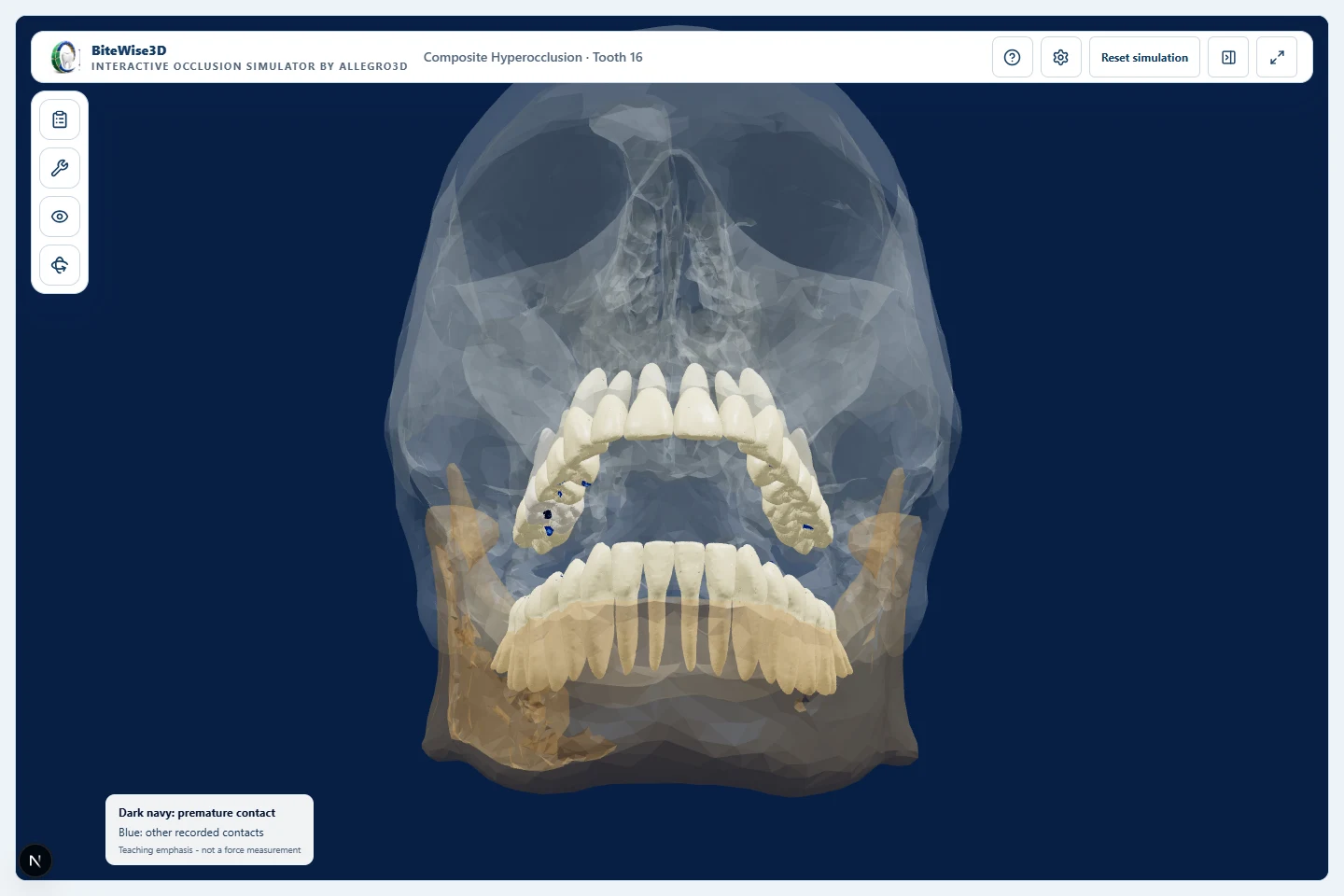
Compare a high composite restoration on tooth 16 or an implant crown on tooth 26 with the reference bite. Adjust and recheck.
Examine contacts on the non-working side during lateral movement. Identify the interference, make a guided adjustment and recheck.
Investigate working-side contacts and connect the finding to an adjustment decision. Repeat the movement to review the result.
SEE THE STUDENT EXPERIENCE
Let students examine a high restoration, make a guided adjustment and see what changes. Turn “what am I looking at?” into “what should I do next?”
Explore normal occlusion, composite adjustment and working-side and non-working interference through simulator recordings. The final sequence illustrates the Studio faculty workflow and is labelled as a concept. Narration and visible captions are included; pause or use fullscreen to inspect a step. Paper colour illustrates simulated contact, not bite force. This is an educational model, not patient-specific treatment guidance.
LET’S TALK ABOUT YOUR COURSE
We’ll walk through a clinical exercise, explore the learning scenarios and discuss where they fit in your course. Studio authoring is a separate concept preview.